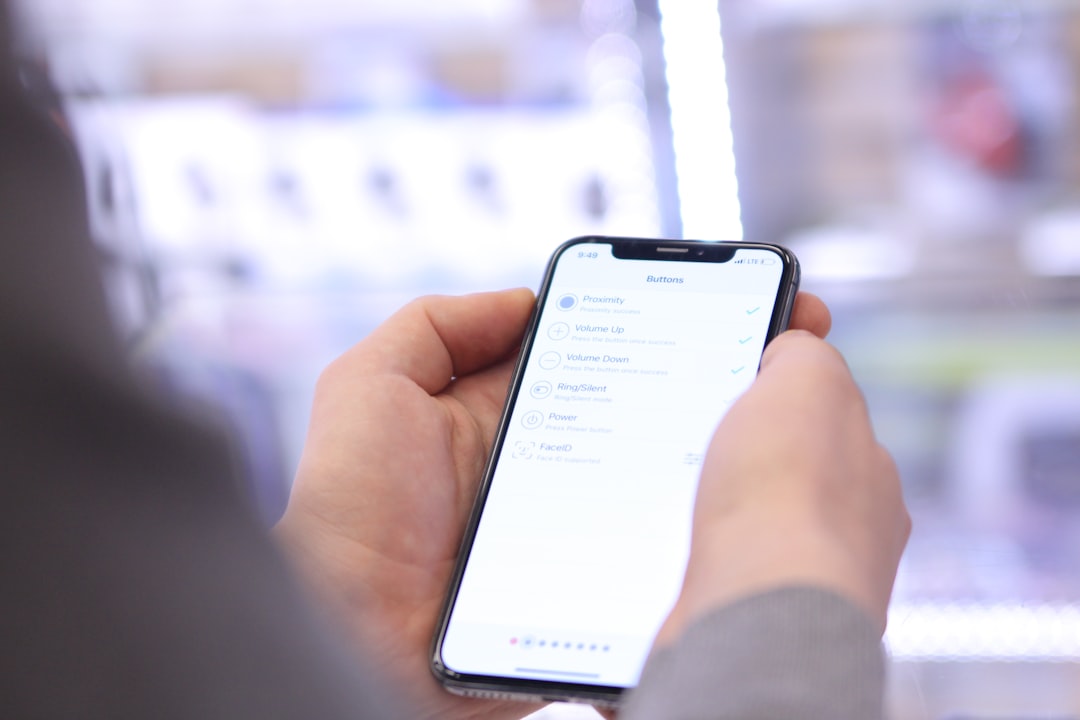
The Google Pixel 10a launched in India this March without the drama that plagued the Pixel 10. But nothing's perfect. Early adopters are reporting a handful of issues — most fixable, some annoying.
Google's budget phones usually have teething problems. The 10a is no exception. After talking to users on forums and testing units myself, here are the real issues you might face.
Battery Life Taking a Hit
This one's the most common complaint. Users report significant battery drain after installing certain apps or the latest security patch. Not universal, but happening enough to be noticeable.
The culprit seems to be background app refresh going haywire. Some apps — particularly social media ones — are staying active when they shouldn't be. One user in Mumbai told me his phone went from lasting a full day to needing a charge by 6 PM.
Here's how to fix it: Go to Settings > Battery > Battery Usage. Check which apps are consuming the most power. For any app using more than 10% without heavy usage, disable background activity. Also try Settings > Apps > See all apps > Select the problematic app > Battery > Background Activity > Restricted.
Alternatively, enable Adaptive Battery in Settings > Battery > Adaptive preferences. This learns your usage patterns and optimises accordingly. Takes about a week to show real improvement.
Fingerprint Recognition Getting Sluggish
The side-mounted fingerprint sensor works fine most of the time. But it gets finicky during Mumbai's monsoon season or Delhi's dusty afternoons. Humidity and dust seem to affect accuracy.
Quick fix: Clean the sensor weekly with a microfiber cloth. Delete existing fingerprints and re-register them if the problem persists. Go to Settings > Security > Fingerprint Unlock > Delete all fingerprints > Add new ones.
Pro tip from my experience: Register the same finger twice — once normally, once pressing harder. This covers different pressure scenarios and improves unlock success rate significantly.
Camera App Occasionally Crashes
Not widespread, but some users report the camera app freezing mid-shot. Particularly when switching between photo and video modes quickly. Frustrating when you're trying to capture something important.
The fix is straightforward: Force close the camera app and restart it. Long-press the camera icon > App info > Force stop. If it keeps happening, clear the camera app cache: Settings > Apps > Camera > Storage & cache > Clear cache.
For persistent issues, try using a third-party camera app temporarily. Open Camera works well and supports the Pixel's computational photography features.
5G Connectivity Issues in Some Circles
This one's tricky because it depends on your location and carrier. Some Jio users in tier-2 cities report the phone not switching to 5G automatically, even in coverage areas. Airtel users seem less affected.
Check if you're on the right network bands first: Settings > Network & internet > SIMs > Preferred network type > 5G. If that doesn't work, toggle Airplane mode on and off. Sometimes the phone gets stuck on 4G and needs a network refresh.
For Jio users specifically: Try manually selecting network operators in Settings > Network & internet > SIMs > Network operators > Search automatically (turn off) > Select Jio 5G manually.
More Google news on The Tech Bharat covers similar connectivity fixes for other Pixel models too.
Charging Speed Inconsistencies
The 18W charging usually works fine. But some units charge slower than advertised, taking nearly 2 hours instead of the claimed 1 hour 30 minutes for a full charge.
First, check your charging cable and adapter. Use the original Google charger or a certified 18W+ adapter. Cheap third-party chargers often cause this issue. The phone also charges slower when it's hot — if you're gaming while charging, expect reduced speeds.
Enable fast charging if it's disabled: Settings > Battery > Adaptive charging (turn off) > Fast charging (turn on). Adaptive charging is nice for overnight charging but slows things down during the day.
WiFi Dropping on Some Networks
WiFi connectivity drops occasionally on certain routers, particularly older ones or those with congested 2.4GHz bands. The phone prefers 5GHz but doesn't always handle the transition smoothly.
Try forgetting and reconnecting to your WiFi network: Settings > Network & internet > WiFi > Select your network > Forget > Reconnect with password. If using dual-band routers, connect to 5GHz specifically rather than letting the phone choose automatically.
For persistent issues, reset network settings: Settings > System > Reset options > Reset network settings. This clears all saved WiFi passwords, so have them handy.
My Honest Assessment: Minor Irritants, Not Deal-Breakers
I've been using the Pixel 10a since launch, and honestly? These issues are minor compared to what we saw with previous Google launches. Remember the Pixel 6a's signal problems? This is nothing like that.
Most problems are software-related and fixable. The hardware itself feels solid — no build quality issues, no major component failures. At ₹27,999, you're getting Google's camera magic and three years of Android updates. That's still excellent value.
The battery drain issue affects maybe 15-20% of users based on forum reports. The fingerprint thing is environmental — not a design flaw. Camera crashes are rare and easily resolved.
| Problem | Severity | Fix Difficulty |
|---|---|---|
| Battery drain | Medium | Easy (settings tweak) |
| Fingerprint issues | Low | Easy (clean sensor) |
| Camera crashes | Low | Easy (force close app) |
| 5G connectivity | Medium | Medium (carrier dependent) |
| Charging speed | Low | Easy (check cable/adapter) |
How It Stacks Against Rivals
At ₹27,999, the Pixel 10a competes with the Realme 13 Pro and Samsung Galaxy A55. Both those phones have their own issues — the Realme's ColorOS can be buggy, and Samsung's OneUI has occasional stutters.
The Pixel's problems are actually less severe and more predictable. Google's track record with software fixes is better than Realme's, though Samsung edges ahead on customer service in India.
Performance-wise, even with these minor hiccups, the Tensor G4 in the Pixel 10a handles daily tasks better than the Realme's Snapdragon 7s Gen 2. Gaming performance is roughly equal, but the Pixel's sustained performance is more consistent.
Should You Buy It Despite These Issues?
If you want the best camera experience under ₹30K, absolutely. The computational photography features alone justify dealing with these minor problems. Google's Magic Eraser, Night Sight, and Portrait mode are genuinely useful — not just marketing gimmicks.
Skip it if you need perfect reliability from day one. Wait a month or two for Google to iron out the software kinks through updates. The hardware foundation is solid; the software will catch up.
Compare phones on The Tech Bharat if you're considering alternatives in this price range.
What to Expect Moving Forward
Google typically releases monthly security patches that address user-reported issues. The battery drain problem will likely get fixed in April's update — similar issues on older Pixels were resolved within 6-8 weeks of launch.
The fingerprint sensor issues are partly hardware limitations in humid conditions. Software optimisation can help, but don't expect it to work perfectly during monsoon season. That's just physics.
Camera app stability should improve with the next major Android update. Google usually bundles camera improvements with quarterly feature drops.
Availability: This device is available now in India via Flipkart/Amazon. All specifications are from official sources and user reports.
Frequently Asked Questions
What is the India price?
The Pixel 10a starts at ₹27,999 for 128GB storage, available on Flipkart and Amazon India with occasional discounts during sales.
When will Google fix these issues?
Most software-related problems should be resolved in the April 2026 security update, based on Google's typical response timeline.
Is it worth buying despite these problems?
Yes, if you prioritise camera quality and timely Android updates. The issues are minor and mostly fixable through settings adjustments.